
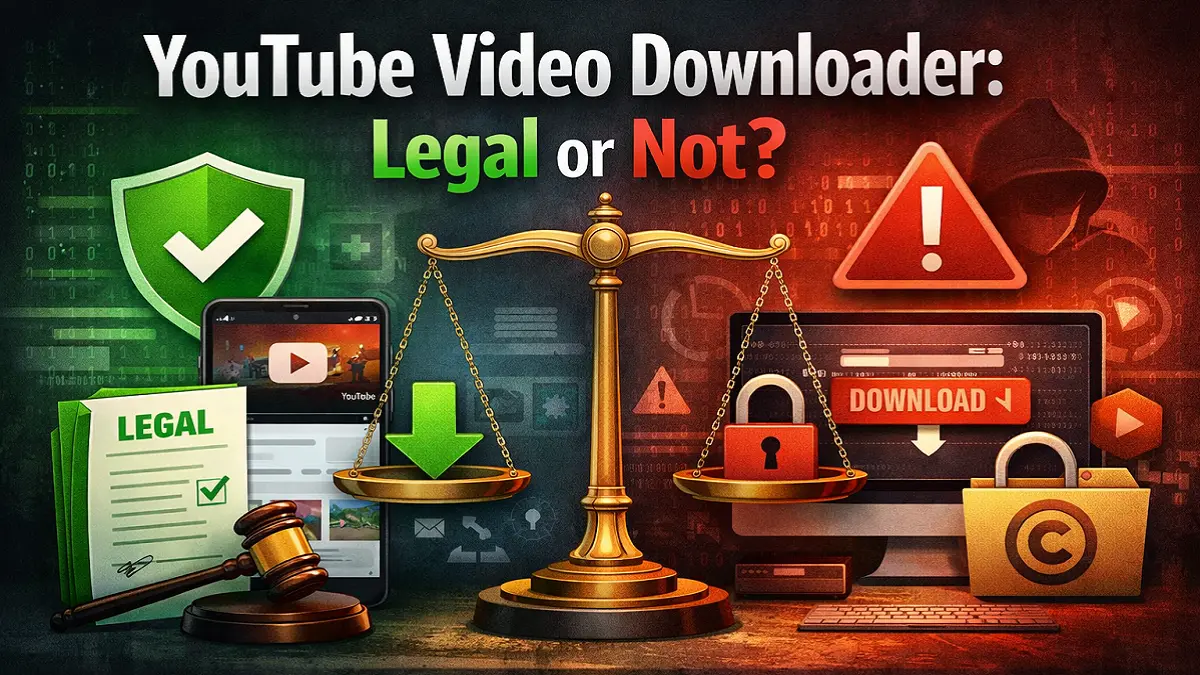
If you are wondering whether a YouTube video downloader is legal, the safest answer is this: official YouTube download options are generally the legitimate route, while many third-party downloaders can violate YouTube’s Terms of Service and may also create copyright risk depending on what you download, how you use it, and where you live. YouTube’s current Terms say users may not download content except where the service itself permits it, where the rights holder gives permission, or where applicable law allows it.
A YouTube video downloader is not automatically illegal in every situation, but many unofficial download tools are risky because they can breach YouTube’s rules and may infringe copyright. The safest legal options are YouTube Premium offline viewing, creator-provided downloads, and downloading videos you uploaded yourself.
What “legal” actually means here?
People often mix up three different questions about YouTube Video Downloader:
- Does YouTube allow it under its rules?
- Does copyright law allow it in your country?
- Is the tool safe and trustworthy?
Those are not the same thing.
A YouTube Video downloader might be easy to use and still violate YouTube’s platform rules. A use case might look harmless for personal viewing and still create copyright issues. And even when someone only wants an offline copy, a third-party downloader can still expose them to malware, scams, fake buttons, browser hijacking, or data theft.
That is why the better question is not simply, “Can I download this video?” It is:
Do I have permission, an official method, or a clear legal exception?
What YouTube’s rules say about downloading videos?
YouTube’s current Terms of Service allow you to use the service for personal, non-commercial viewing, but they also state that you are not allowed to access, reproduce, or download content except in three main situations: when the service specifically permits it, when you have prior written permission from YouTube and the rights holders, or when applicable law permits it. The Terms also prohibit interfering with features that prevent or restrict copying.
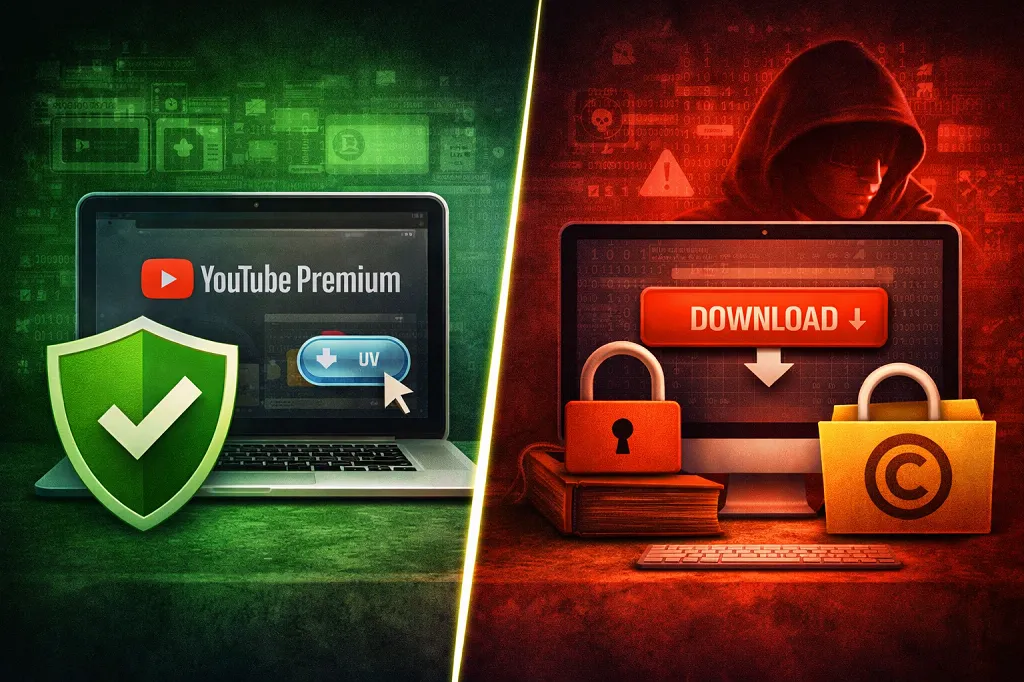
That matters because many third-party downloader sites and apps do exactly what YouTube’s system is designed not to allow.
So from a platform-rules perspective, the general position is straightforward:
Usually allowed
- When downloading through YouTube Premium where the feature is available.
- Also downloading your own uploaded videos through YouTube Studio.
- And downloading where the creator directly offers a legitimate download option or clearly grants permission.
Usually not allowed under YouTube’s rules
- Using third-party YouTube video downloader, apps, scripts, or browser tools to save videos when YouTube does not provide a download option.
- Circumventing technical restrictions that prevent copying.
Is violating YouTube’s Terms the same as breaking the law?
Not always. Breaking a platform’s Terms of Service is not automatically the same as committing a crime. But it can still have serious consequences, including account restrictions, lost access, or termination for repeated Terms violations. YouTube says repeated violations of its Terms of Service can be a reason for account termination.
Separate from platform rules, copyright law can also apply. YouTube explains that copyright owners generally control how their original works are used and distributed.
So the safest practical takeaway is:
- A YouTube video downloader can violate YouTube rules even before you get to copyright law.
- A download can also raise copyright issues even if the file is only for personal use.
- Some countries do recognize limited exceptions, but those exceptions vary and are narrow. WIPO notes that copyright limitations and exceptions vary from country to country, and the U.S. Copyright Office explains that fair use depends on the circumstances rather than any fixed rule.
When downloading YouTube videos is most likely lawful or low-risk?
Let us separate the safer cases from the risky ones.
1. You download videos through YouTube Premium
This is the clearest official method for viewers. YouTube’s help pages confirm that YouTube Premium members can download videos for offline viewing where the feature is available. Those downloads are controlled inside YouTube, not given to you as normal standalone files, and YouTube notes they are stored encrypted and watched in the app.
That distinction matters. Premium is mainly an offline viewing feature, not permission to extract permanent reusable copies.
2. You download videos you uploaded yourself
YouTube explicitly says you can download videos that you uploaded, and it provides steps in YouTube Studio to do it. It also states that you cannot download other users’ videos through that creator download route.
3. The creator gives permission
If a creator provides a direct download link, licenses the video for reuse, or clearly authorizes downloading, the legal risk is much lower because the copyright owner controls copying rights in the first place.
4. A narrow legal exception may apply
This is where people get overconfident. Some countries have exceptions such as fair use, fair dealing, criticism, review, research, or private copying, but those rules differ widely by jurisdiction and facts. They are not a blanket permission to use YouTube downloaders for whatever you want.
When downloading is risky, unauthorized, or likely unlawful?
The highest-risk situations usually include these:
Downloading copyrighted music videos, movies, sports clips, or paid content from unofficial tools
Those categories are heavily protected and commonly monetized. Downloading them through third-party tools or YouTube video downloader can create both Terms and copyright problems.
Reuploading someone else’s downloaded content
Even if the original download seemed “personal,” reuploading or redistributing the file greatly increases legal exposure. YouTube’s copyright system includes claims, removals, and strikes.
Using downloader tools that bypass technical restrictions
YouTube’s Terms specifically prohibit interfering with features that restrict copying.
Downloading with business, resale, or public-use intent
Commercial use usually weakens any argument that the use is merely personal or incidental. That can make both platform and copyright issues more serious.
How to stay on the safe side?
Here is the practical rule set we recommend.
Use official methods first
Start with YouTube Premium, YouTube Studio for your own uploads, or a legitimate creator download link. Those options are the clearest and safest.
Check whether you own the rights
Ask yourself:
- Did I create this video?
- Did the creator explicitly allow downloads or reuse?
- Does the license clearly permit saving or redistribution?
If not, assume caution is needed.
Distinguish offline viewing from owning a reusable copy
A Premium offline download is not the same as getting a normal video file you can freely move, edit, repost, or upload elsewhere. YouTube also says the downloads are stored encrypted in the app.
Treat “personal use” carefully
Many users assume personal use makes everything legal. That is too simplistic. Personal use may matter under some laws, but it does not erase YouTube’s Terms and does not automatically defeat copyright.
Be careful with browser extensions and unknown downloader sites
Even aside from legality, unofficial downloader tools can also request excessive permissions, inject ads, track browsing, or deliver malware. If a site pushes pop-ups, fake “download” buttons, or executable files, that is a strong warning sign.
Step by step: how to download YouTube videos legally
Option 1: Use YouTube Premium for offline viewing
- Open the YouTube app and sign in to your Premium account.
- Open the video you want to watch offline.
- Tap Download under the video, if available.
- Choose the quality, if prompted.
- Watch the video later from your downloads inside YouTube.
Important: YouTube says not all videos are downloadable, availability varies by location, and the offline content is tied to the app experience rather than a normal transferable file.
Also read: How to Download YouTube Videos Online | YouTube Premium
Option 2: Download a video you uploaded yourself
- Sign in to YouTube Studio.
- Go to Content.
- Choose the video.
- Open the menu and select Download.
Also read: How to Download YouTube Video That You’ve Uploaded
Option 3: Use a creator’s own download link
Some educators, businesses, musicians, and software companies upload a YouTube version but also provide a file on their own site, newsletter, course platform, or press page. If that permission is explicit, use that route instead of a third-party extractor.
What most people overlook?
Official downloads are often temporary or restricted
YouTube’s offline systems are designed for controlled viewing, not unlimited file ownership. In some regions, certain offline videos require periodic reconnection, and travel or membership status can affect access.
“Everyone does it” is not a legal defense
Popularity does not create permission.
Educational or research purpose does not automatically make it lawful
Some users assume that study, commentary, or classroom use always qualifies as fair use or a similar exception. That also depends on the country and the specific facts.
API-based tools are not a loophole
If you are building software, YouTube’s API terms and developer policies still apply, and YouTube may suspend or terminate API access for violations.
Common mistakes to avoid
Mistake 1: Assuming any personal download is legal
It is not that simple.
Mistake 2: Confusing YouTube Premium with full file ownership
Premium gives controlled offline viewing, not broad reuse rights.
Mistake 3: Downloading copyrighted content and reuploading it elsewhere
That is one of the fastest ways to trigger claims, removals, or strikes.
Mistake 4: Trusting random downloader websites
Many are unreliable even before legal concerns arise.
Final verdict
So, is a YouTube video downloader legal or not?
The most accurate answer is: sometimes, but many unofficial YouTube downloaders are not the safe or lawful option people assume they are. If the download happens through YouTube’s own feature set, through your own uploaded content, or with clear creator permission, you are on much stronger ground. If you rely on a third-party extractor to save copyrighted videos that YouTube does not offer for download, you may be violating YouTube’s Terms and could also create copyright risk depending on local law and your use.
For most readers, the safest rule is simple:
Use official download options, download only what you own or are clearly allowed to save, and avoid third-party tools unless you have specific permission and understand the legal risk in your country.
FAQ’s about YouTube Video Downloader
Are YouTube video downloaders illegal everywhere?
No. The answer depends on the method, the content, your permission, and local law. But many third-party downloaders conflict with YouTube’s Terms, and some uses may also infringe copyright.
Is it legal to download YouTube videos for personal use only?
Not automatically. Personal use may sound harmless, but it does not override YouTube’s Terms and does not automatically create a copyright exception.
Is YouTube Premium the legal way to download videos?
Yes, YouTube Premium is the official offline-viewing method in supported locations. However, it is meant for watching within YouTube’s system, not for extracting unrestricted video files.
Can I download someone else’s YouTube video if I give credit?
Giving credit does not replace permission. Copyright and platform rules can still apply.
Can I download my own YouTube videos?
Yes. YouTube also provides a way to download videos you uploaded through YouTube Studio.
Are browser extensions for downloading YouTube videos safe?
Some may work technically, but safety and legality are separate questions. Extensions and downloader sites can create privacy, security, and malware risks, and they may still violate YouTube’s rules.
Can YouTube ban me for using unofficial downloaders?
YouTube says repeated violations of its Terms of Service can lead to account termination.
Are there legal exceptions such as fair use?
Sometimes, depending on the country and the exact use. In the United States, fair use is fact-specific, and internationally, exceptions vary by jurisdiction. It is not a blanket excuse for downloading full YouTube videos through unofficial tools.
Also read: What is YouTube Premium and how does it work? Try Now!
Leave a Reply