
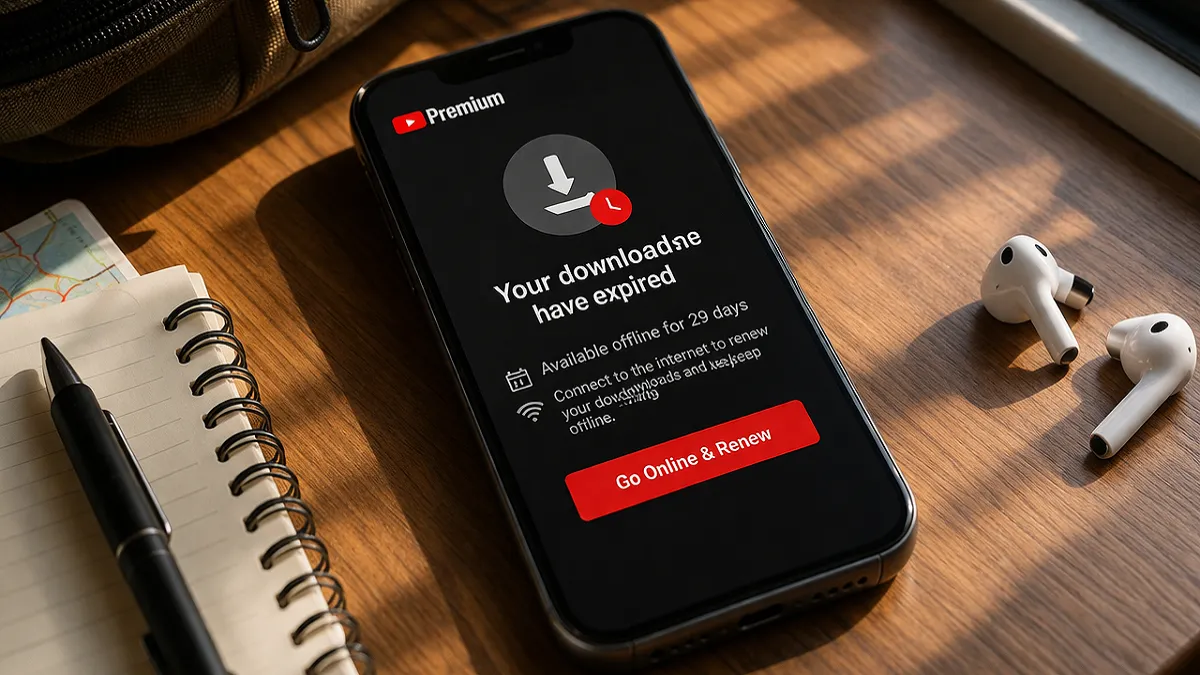
Many YouTube Premium users assume that once a video is downloaded, it should stay available forever. That feels like the normal expectation. You tap Download, the video saves, and you expect to watch it whenever you want without worrying about it disappearing later. But YouTube does not treat offline viewing that way. YouTube Premium downloads are not permanent personal copies. They are temporary offline access files managed within YouTube’s own system. That is why users often see messages like offline availability expired, or they suddenly discover that videos they downloaded earlier no longer play.
This creates confusion, especially for users who frequently try to save from net video content for later viewing. They may think the app is malfunctioning, their storage is damaged, or the download process failed. In many cases, the downloads expired simply because YouTube requires the device to reconnect to the internet so it can recheck the video’s current availability. YouTube’s official Help says downloaded videos on Premium-supported devices can generally be played offline for up to 29 days, and after that the device must reconnect so the app can verify the video. In some regions and offline modes, the required recheck can happen every 48 hours instead.
Once you understand that system, download expiry makes much more sense. It is not usually a random bug. It is part of how YouTube controls offline access.
What “Expired” Means on YouTube Premium?
When YouTube says a download has expired, it usually does not mean the file suddenly became corrupted. More often, it means you can no longer use the video offline until YouTube rechecks it.
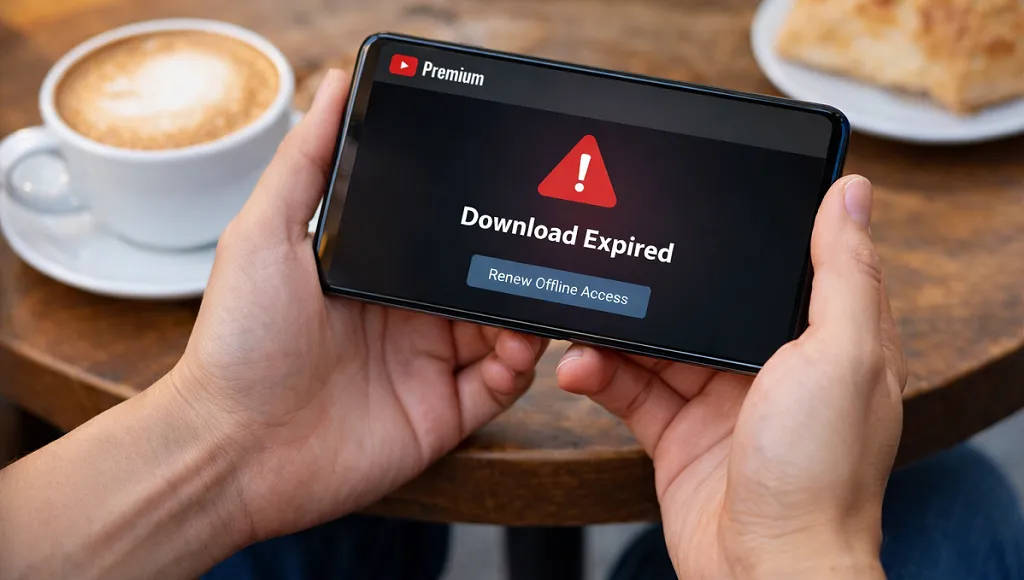
Expiry is about access validation, not only about time passing
A lot of users hear “expired” and think it means a strict deadline like a coupon running out. That is only part of the story. YouTube ties expiry to verification. The app wants to confirm that:
- your Premium membership is still active
- the video is still available
- the video is still eligible for offline playback
- your account is still signed in correctly
That is why a downloaded video may stop working even though you saved it correctly before. The app is not just checking whether the download exists. It is checking whether the conditions for offline use still remain valid.
Expiry does not always mean permanent loss
This also matters. Sometimes you can restore an expired download simply by reconnecting to the internet and letting the app refresh. If the video is still eligible and your subscription is still active, the app may restore access without much trouble. However, if the video is no longer eligible, YouTube can remove it during the next sync. YouTube states this clearly in its Help documentation.
How Long YouTube Premium Downloads Last?
This is the part most users want a direct answer to.
The common rule is up to 29 days offline
YouTube’s current Android Premium Help page says you can generally play downloaded videos offline for up to 29 days. After that, you must reconnect your device to the internet so the app can check for changes to the video or its availability. If the video is no longer available for offline playback, YouTube will remove it during the next sync.
This means the 29-day period is not a promise that a video will stay available for 29 full days no matter what. It means YouTube allows you to use it offline for that length of time before it requires a fresh check.
In some places or modes, the recheck happens every 48 hours
YouTube also provides Help pages for offline viewing in select countries and regions that say you can play downloaded videos offline for up to 48 hours, after which you need to reconnect every 48 hours so the app can verify the content again. Those same Help pages note that in some countries or regions, non-music content may be playable for up to 29 days without requiring a reconnection.
That is why different users sometimes report different expiry behavior. They are not always contradicting each other. They may simply be using different offline systems, in different regions, or under different content rules.
Why YouTube Premium Downloads Expire in the First Place?
Many users ask why YouTube cannot just let the video stay downloaded permanently. The answer comes down to how the platform manages rights and account access.
1. YouTube needs to confirm that your Premium membership is still active
One of the simplest reasons for expiry is subscription validation. YouTube says that if your Premium membership ends, you will no longer have access to your downloaded videos. That is why the app needs to reconnect from time to time and make sure the subscription is still valid.
Without that check, a person could potentially keep using offline Premium downloads indefinitely after losing membership. The recheck prevents that.
2. The video itself may no longer be available
Videos on YouTube are not static forever. Creators or YouTube can remove videos, make them private, restrict them by region, apply rights claims, or remove their offline eligibility for other reasons. YouTube’s Help pages make clear that when the app reconnects, it checks for changes to the video or its availability. If the video is no longer available for offline playback, YouTube may remove it during sync.
So expiry is not only about your account. It is also about the video’s current status.
3. Offline viewing on YouTube is controlled access, not permanent file ownership
This is one of the most important points. YouTube downloads are not the same as downloading a personal file to keep forever in a gallery or file manager. YouTube’s platform rules tie them more closely to temporary offline access permissions.
That is why users trying to save from net content using YouTube Premium should think of downloads as temporary managed offline copies, not as private permanent files. Once you understand that, expiry becomes a logical part of the system rather than a strange surprise.
Common Reasons Your YouTube Premium Downloads Expire Faster Than Expected
Some users feel their downloads expire too quickly. Here are the main reasons that can happen.
You stayed offline too long
This is the most obvious reason. If you do not reconnect within YouTube’s required time window, the app cannot validate the downloads. Once that period passes, offline playback may stop until the app gets online again.
The app could not refresh properly
Sometimes the device does reconnect, but the app does not refresh cleanly. This can happen if:
- an outdated app causes the issue
- restricted background activity causes the issue
- the connection is unstable
- the account session is behaving oddly
In those cases, the user may feel they already reconnected, but the app did not complete the check successfully.
Your subscription changed or temporarily lapsed
YouTube says that if Premium ends, downloaded videos become inaccessible. If a payment fails, the plan pauses, or there is a membership interruption, downloads can disappear or show expiry-related messages. YouTube also notes that if you resubscribe after losing Premium, it may take a few hours for saved videos to show again.
The video changed status
You may have been able to download a video when you first saved it, but it may later lose that status because rights, availability, or policy changes can affect it. When the next sync happens, YouTube may remove it.
Why Some Users See 29 Days and Others See 48 Hours?
This confuses a lot of people, and it is one reason the topic needs a clear explanation.
Different Help pages describe different offline contexts
YouTube’s Premium Android Help page mentions the 29-day offline window for Premium downloads. Separate Help pages for offline viewing in select countries and regions say downloads may be available for up to 48 hours, followed by a required reconnection every 48 hours. Those same region-specific pages also note that some non-music content may last up to 29 days instead.
This suggests YouTube is describing more than one offline framework rather than one universal rule that applies identically in all situations.
The safest way to explain it in your article
For your readers, the clearest explanation is this:
- many Premium downloads can stay offline for up to 29 days
- some offline systems or locations may require a 48-hour reconnection cycle
- the exact experience can depend on region, content type, and YouTube’s current offline rules
That is accurate and avoids oversimplifying a system that YouTube itself documents in multiple ways.
What Happens When a Download Expires?
Users often wonder whether expiry means YouTube has removed the video forever.
The video may simply need revalidation
If the download expired because the app has not checked in recently, reconnecting to the internet and opening YouTube may restore access. This is especially true when:
- Premium is still active
- the video is still available
- the app is updated
- the same account is still signed in
The video may be removed if it is no longer eligible
If the recheck finds that the video is no longer available for offline playback, YouTube says it can remove the video during the next sync.
So the outcome depends on what the app finds when it reconnects.
How to Prevent YouTube Premium Downloads from Expiring Too Often?
You cannot eliminate expiry entirely because it is built into the system, but you can reduce problems.
Reconnect regularly
The simplest habit is to let the device connect to the internet from time to time. You do not need to do anything complicated. Just opening YouTube while online can often let the app refresh its download permissions.
Keep Premium active and stable
Make sure your subscription does not lapse unexpectedly. If your payment method fails or your plan pauses, downloads may stop working immediately. YouTube explicitly says that losing Premium means losing access to downloaded videos.
Stay signed into the right account
Some users reconnect to the internet but are signed into a different Google account from the one that owns the Premium membership. That can make it look like downloads expired when the real issue is account mismatch.
Update the YouTube app
An outdated app can interfere with normal syncing and download verification. Keeping the app updated is a practical way to reduce odd behavior.
Also read: What is YouTube Premium and how does it work? Try Now!
What to Do If Your YouTube Premium Downloads Already Expired?
If you are already seeing expired YouTube Premium downloads, here are the practical steps.
Step 1: Connect to the internet
Use a stable Wi-Fi or mobile connection and open YouTube.
Step 2: Check that Premium is still active
Go to your account and verify that the membership is current. If it expired, YouTube says downloaded videos will no longer be accessible until Premium is active again.
Step 3: Make sure you are signed into the correct account
This is a common issue for people using multiple Gmail accounts.
Step 4: Wait for the app to refresh
If you recently resubscribed after losing Premium, YouTube says it may take a few hours for saved videos to show once you have rejoined.
Step 5: Retry the download if necessary
If the video is still available and the app does not restore it automatically, re-downloading may be the fastest solution.
Also read: Why Is the YouTube Download Button Missing?
Does Expiry Mean YouTube Downloads Are Unreliable?
Not necessarily. It just means the system is managed differently from what many people expect.
The feature is reliable within YouTube’s rules
If you use YouTube Premium the way it is designed, offline downloads can still be very useful. For travel, commuting, weak-signal areas, and data saving, the feature works well. The key is understanding that it is a managed offline feature, not a permanent file storage tool.
The real problem is often expectation mismatch
Most frustration comes from assuming a YouTube download behaves like a regular downloaded file. Once users understand the 29-day or 48-hour recheck logic, the feature feels less confusing and more predictable.
Also read: How to Fix YouTube Offline Download Problems (Easy Fixes)
FAQ’s about YouTube Premium Downloads
Why do my YouTube Premium downloads say expired?
Usually because YouTube needs to reconnect and verify your subscription or the video’s availability. In some cases, the video is no longer eligible for offline playback.
How long do YouTube Premium downloads last?
YouTube’s Premium Android Help says downloaded videos can generally stay offline for up to 29 days, while some region-specific offline systems require reconnection every 48 hours.
Will my YouTube Premium downloads come back after reconnecting?
They often can, as long as Premium is active and the video is still available for offline playback. If the video lost eligibility, it may be removed during sync.
Do expired downloads mean my phone has a problem?
Not usually. In most cases, expiry is a normal part of YouTube’s offline verification system rather than a device failure.
Also read: Why Some YouTube Videos Cannot Be Downloaded (Full Guide)
Final Thoughts
YouTube Premium downloads expire because offline viewing on YouTube is based on temporary validated access, not permanent ownership of the file. The platform periodically checks whether your Premium membership is still active and whether the video is still allowed for offline playback. That is why many downloads stay available for up to 29 days, while some offline systems require checks every 48 hours instead.
For users who want to save from net video content for later viewing, this distinction matters a lot. Once you treat YouTube downloads as managed offline access rather than permanent stored files, the idea of expiry stops feeling strange and starts making sense.
Also read: How to Manage Downloaded Videos on YouTube?
Leave a Reply