
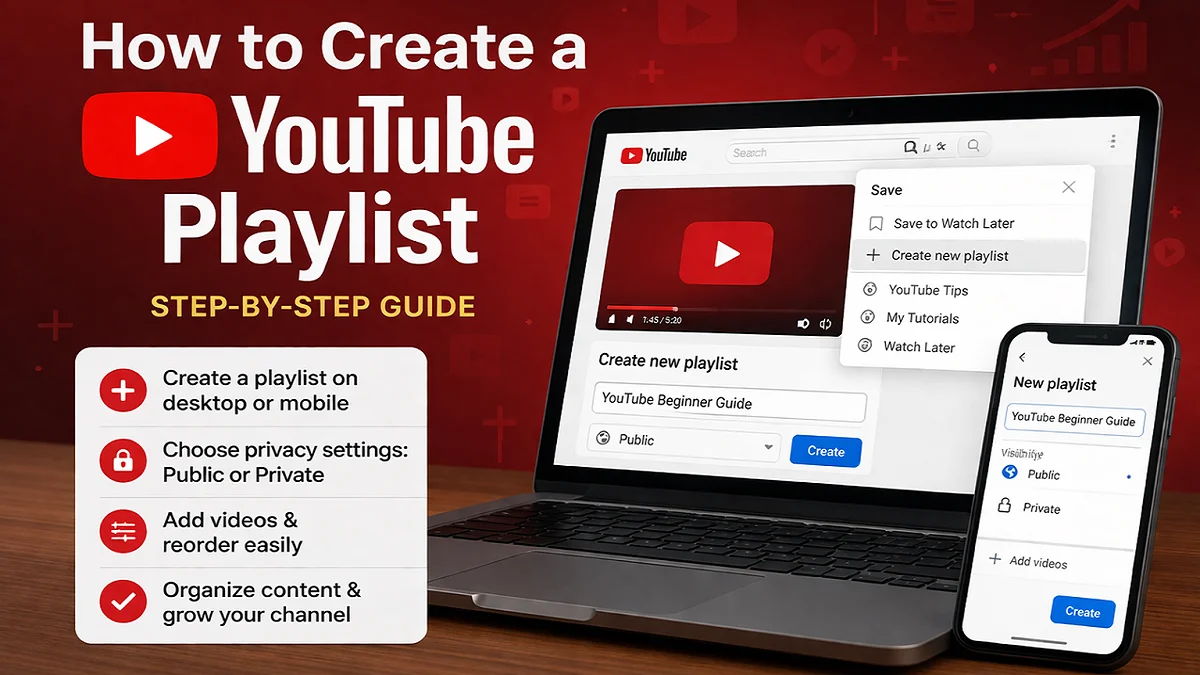
A YouTube Playlist is one of the simplest tools we can use to organize videos, improve viewer experience, and make our channel look more professional. Whether we want to group tutorials, product reviews, vlogs, Islamic lectures, gaming content, Shorts, or educational videos, a playlist helps us keep related content in one place. YouTube allows users to create playlists from a video page on desktop and mobile, and creators can also create and manage playlists through YouTube Studio.
For many creators in Pakistan, playlists are often ignored in the early stage of a channel. That is a mistake. A well-made YouTube Playlist can increase session time, make content easier to discover, and also guide viewers from one video to the next in a logical order. It also helps us separate content types, such as tutorials, updates, interviews, or Shorts. YouTube also lets us choose a visibility setting when creating a playlist, such as public or private, and supports editing, reordering, and filtering later.
What is a YouTube Playlist?
A YouTube Playlist is a collection of videos grouped under one title. Instead of making viewers search through our full channel library, we can place related videos in one organized list. For example, a cooking channel can create separate playlists for recipes, kitchen tips, and Ramadan specials. A tech channel can create playlists for mobile reviews, laptop guides, and also software tutorials.
This matters because viewers usually want structure. When they find one useful video, they often want more on the same topic. A playlist gives them that path. It also makes the channel easier to browse, especially when the number of videos grows.
Why a YouTube Playlist is Important
A good playlist is not just about organization. It also supports audience retention and better content presentation.
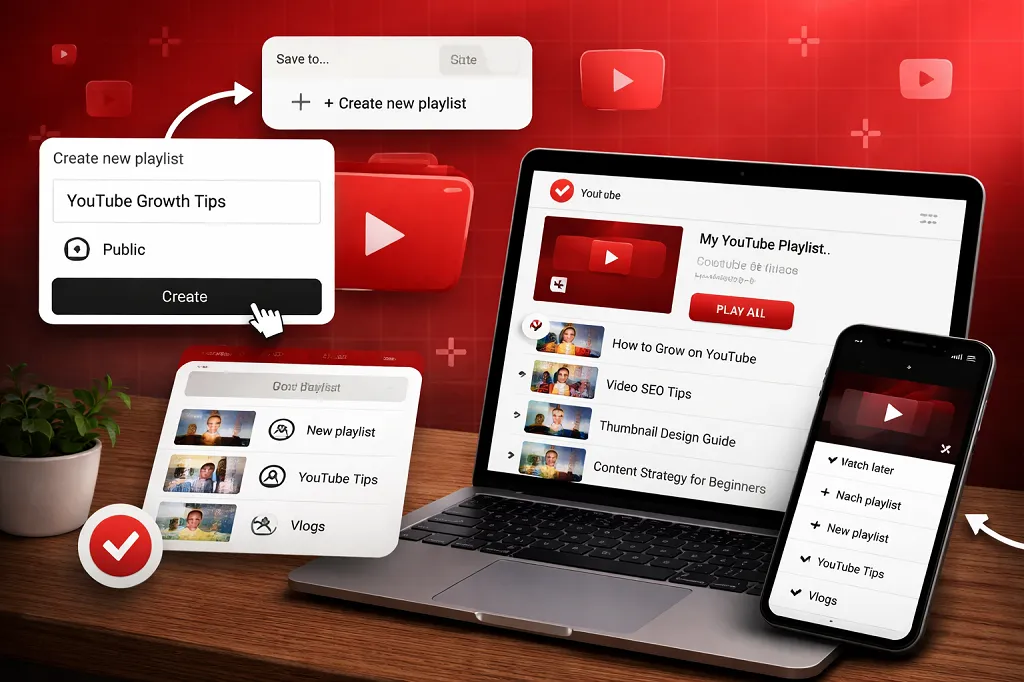
Main benefits of using playlists
- Playlists group our videos by topic, skill level, or content style.
- Viewers can move from one relevant video to the next with less effort.
- A well-arranged playlist makes our channel look more structured and professional.
- New visitors understand our content focus much faster.
- Related videos stay connected, which encourages longer watch sessions.
- Long-form uploads and Shorts become easier to organize separately.
On desktop, YouTube also allows filtering within a playlist by content type, including all content, Shorts, and videos. That can make playlist management easier for creators who publish mixed formats.
Also read: Top 10 Educational YouTube Channels
How to Create a YouTube Playlist on Computer?
There are two main ways to create a YouTube Playlist on desktop. We can create one directly from a video, or we can create it through YouTube Studio also.
Method 1: Create a playlist from a video
This is the easiest method for most users.
Steps
- Open YouTube on your computer and sign in.
- Go to the watch page of the video or Short you want to save.
- Click Save.
- Choose Create new playlist.
- Enter your playlist name.
- Select the privacy setting.
- Click Create.
This method is useful when we are already watching content and want to build a playlist quickly.
Method 2: Create a playlist in YouTube Studio
This method is also better for channel owners who want more control from the start.
Steps
- Sign in to YouTube Studio.
- In the top-right corner, click Create.
- Select New playlist.
- Enter a playlist title and description.
- Choose the visibility setting.
- Choose how videos will be arranged.
- Click Add videos.
- Click Create.
This approach is more professional because we can set details before publishing the playlist.
Also read: How to make money from YouTube without making videos?
How to Create a YouTube Playlist on Mobile?
Many users in Pakistan manage their channels only through mobile. The good news is that YouTube also supports playlist creation on Android and mobile web.
Create a playlist from a video on mobile
- Open the YouTube app.
- Go to the video you want to save.
- Tap Save.
- Tap Create new playlist if needed.
- Enter the playlist name.
- Select the privacy setting.
- Tap Create or Done, depending on the screen.
Create a playlist from watch history
On Android, YouTube also allows playlist creation from the Playlists section through the profile menu. In that flow, we can tap our profile picture, choose the Playlists area, tap New playlist, select one or more videos from watch history, then tap Next, set the title and privacy, and create the playlist.
This method is also helpful if we want to build a playlist from content we watched recently.
YouTube Playlist Privacy Settings Explained
When creating a YouTube Playlist, privacy matters. The chosen setting affects who can view the playlist.
| Privacy Setting | What It Means | Best Use Case |
|---|---|---|
| Public | Anyone can find and watch it | Channel growth, tutorials, public content |
| Private | Only we can view it | Personal lists, research, future planning |
YouTube’s official playlist creation steps clearly show a privacy selection during creation, and YouTube also allows us to update playlist visibility later through YouTube Studio or through YouTube on mobile.
For most creators, public playlists are best because they improve discoverability and channel structure. Private playlists are useful for planning, competitor research, or collecting ideas before publishing.
How to Edit a YouTube Playlist?
After creating a playlist, we often need to improve it. We may want to update the title, add a description, change the order, or remove videos that no longer fit.
Things we can edit
- Playlist title
- Playlist description
- language of the playlist
- Visibility setting
- Video order
- Included videos
YouTube lets us edit playlist title and description on desktop, and through YouTube Studio we can also change details like language and visibility. Videos can also be reordered by dragging them up or down in the playlist.
How to reorder videos?
A playlist should follow a clear order, not a random mix. The opening video should give viewers the best place to begin. For example:
- Tutorial playlists work best when beginner-friendly videos come first.
- Product playlists should usually start with the latest or most important review.
- Story-based playlists need to follow the proper sequence.
- Course-style playlists should present lessons in a logical step-by-step order.
YouTube allows drag-and-drop reordering on desktop playlists, although this temporary watch-page reordering is not available for playlists that only contain Shorts.
Also read: How to create YouTube Channel on Mobile Device or Computer?
Best Practices for Creating a Strong YouTube Playlist
Creating a playlist is easy. Creating a useful playlist is where strategy matters.
1. Use a clear title
The title should tell viewers exactly what the playlist contains. Avoid vague names like “My Videos” or “Best Content.” Better examples include:
- YouTube Growth Tips for Beginners
- Pakistani Cooking Recipes
- Urdu Tech Tutorials
- Daily Vlogs in Pakistan
2. Add a useful description
A short description also helps viewers understand the playlist. It can also add topic relevance for search and channel organization. YouTube Studio supports adding playlist descriptions during creation and editing.
3. Group only related videos
Do not mix unrelated topics in one playlist. If our channel covers both gaming and freelancing, each topic should have its own playlist.
4. Put the strongest video first
The first video often shapes whether the viewer continues. Start with your clearest, most helpful, or most engaging video.
5. Keep updating the playlist
A dead playlist looks neglected. When we publish a new related video, we should add it to the relevant playlist.
6. Think like a viewer
Ask one simple question: if someone lands on this playlist, will the order make sense?
Also read: How to Use YouTube Studio to Grow Your Channel?
Common Mistakes to Avoid
Many playlists are created but never become useful because of simple mistakes.
Avoid these errors
- Using unclear or generic titles
- Adding unrelated videos
- Leaving the playlist empty after creation
- Ignoring video order
- Forgetting to update visibility
- Not adding descriptions
- Creating too many low-value playlists with only one weak video
A playlist should solve a browsing problem. If it does not help the viewer find the next relevant video, it needs improvement.
Also read: How to Avoid Copyright Claims on YouTube?
YouTube Playlist vs Watch Later
Some people confuse a YouTube Playlist with Watch Later. They are not the same.
| Feature | YouTube Playlist | Watch Later |
|---|---|---|
| Purpose | Organize videos by topic or goal | Save videos to watch later |
| Custom Title | Yes | No |
| Public Use | Yes, if visibility is public | Mainly personal |
| Channel Branding | Strong | Limited |
| Best For | Creators and organized viewers | Personal temporary saving |
Watch Later is useful for personal convenience. A proper YouTube Playlist is better for creators, channel structure, and also topic-based organization.
Can a YouTube Playlist Help Channel Growth?
Yes, it can also help indirectly.
A playlist can improve channel quality because it keeps viewers inside a related content path. Instead of watching one video and leaving, viewers may continue to the next one. That creates a better viewing journey. For educational channels, playlists are especially useful because viewers often prefer structured learning rather than random uploads.
YouTube also supports more advanced playlist-related options for creators in some cases. For example, verified accounts can use official series playlists, and creators can set an existing playlist as a course in YouTube Studio when eligible. These features show that YouTube treats playlists as an important content organization tool, not just a basic folder.
Also read: How to Change My YouTube Channel Name?
When Should We Create Separate Playlists?
We should create a new playlist when:
- A video group covers a topic that is clearly different from the rest of our content.
- Viewer intent changes from one content set to another.
- Certain videos are meant to be watched in a specific order.
- Some content is designed for a particular audience, such as beginners or advanced learners.
- Our goal is to build a mini-series or a structured learning path.
Example playlist ideas
For a Pakistani education channel:
- Matric Math Lectures
- English Grammar in Urdu
- MDCAT Preparation Tips
For a tech channel:
- Mobile Reviews in Pakistan
- YouTube Tips in Urdu
- Laptop Buying Guides
For a business channel:
- Export Business Tips
- Ecommerce Tutorials
- Digital Marketing Basics
Final Thoughts
A YouTube Playlist may look like a small feature, but it can make a big difference in how viewers experience our content. It also helps us organize videos, present our channel professionally, and guide people toward more relevant content. On both desktop and mobile, YouTube allows playlist creation through simple steps, while YouTube Studio provides stronger control for creators who want better structure and management.
If we want our channel to look serious, useful, and also easy to browse, we should not upload videos without a playlist strategy. A well-planned YouTube Playlist improves order, clarity, and viewer convenience. That is why it should be part of every smart YouTube content plan.
Also read: How to Get More Subscribers on YouTube Fast?
Leave a Reply