
Many YouTube users download videos with the hope that they will stay available indefinitely. That expectation feels natural. If a video is already saved to your device, it seems reasonable to assume you should be able to open it any time, even months later, without reconnecting to the internet. But that is not how YouTube’s offline system works. In normal use, you cannot watch YouTube downloads without internet forever. YouTube’s official Help says downloaded videos can generally be played offline for up to 29 days on Premium-supported devices, after which the app needs to reconnect to the internet so it can check the video and confirm it is still available for offline playback.
This is one of the most misunderstood parts of YouTube Premium. Many users who try to save from net video content for later viewing assume downloads behave like ordinary files in a gallery or file manager. YouTube does not treat downloads that way. YouTube manages them inside its own ecosystem, and ties offline access to its rules, your account status, and the video’s current availability.
Once you understand that difference, the answer becomes clearer: downloaded YouTube videos help you watch content offline, but they do not give you permanent offline files that work forever without verification.
The Short Answer
The short answer is no. YouTube downloads do not work forever without internet.
YouTube says Premium downloads can usually stay offline for up to 29 days, and in some other offline contexts the app may require a refresh every 48 hours. After that, the device must reconnect so YouTube can check:
- whether your Premium membership is still active
- whether the video is still available
- or the video is still eligible for offline playback.
If the app cannot complete that check, offline playback may stop. If the video is no longer allowed for offline use, YouTube can remove it during the next sync.
Why Many Users Think the Answer Should Be Yes?
This confusion is understandable because YouTube downloads feel like saved files.
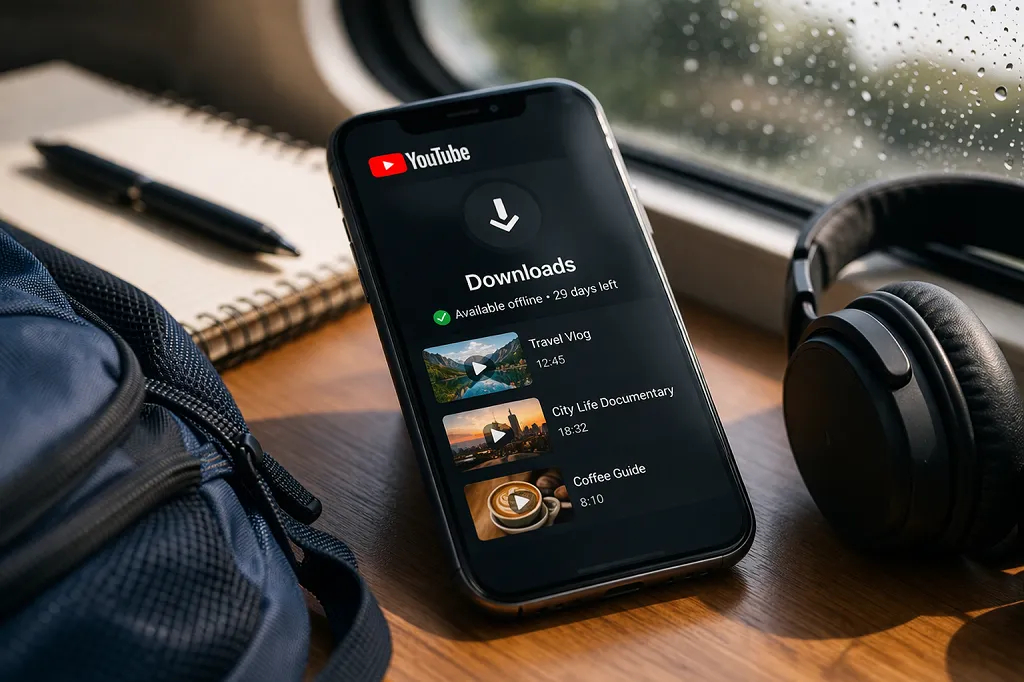
Downloading feels like ownership, but it is really temporary access
When you tap the download button, the app stores the video on the device in a way that makes it available offline. From a user perspective, that feels similar to downloading a normal file. But YouTube’s Help pages make clear that this feature is built around offline viewing access, not permanent file ownership. The app periodically checks the video’s status and your membership before continuing to allow playback.
That distinction changes everything. If the system worked like a normal file download, the video could keep playing without internet forever. Since YouTube designs it as controlled offline access, it keeps the power to revalidate and, if necessary, remove access.
The feature is made for convenience, not permanent archiving
YouTube Premium offline viewing is ideal for:
- flights
- commuting
- weak-network areas
- saving mobile data
- short-term offline access
It is not really a permanent archive system. That is why the app asks to reconnect from time to time, even when the file appears to already be on the device.
Also read: What is YouTube Premium and how does it work? Try Now!
How Long YouTube Downloads Actually Last?
This is the core of the question.
The usual YouTube Premium rule is up to 29 days
YouTube’s Premium Android Help page says downloaded videos can be played offline for up to 29 days. After that, you need to reconnect the device to the internet. Reconnecting lets the app check for changes to the video or its availability. If the video is no longer available for offline playback, YouTube says it will be removed from the device during the next sync.
This means the 29-day rule is not just a timer for convenience. YouTube uses it as part of its control system to verify that the content is still allowed to remain offline.
In some regions or modes, the rule can be 48 hours
YouTube’s Help pages for offline viewing in select countries and regions say downloaded videos can be available offline for up to 48 hours, after which the device needs to reconnect every 48 hours to allow the app to verify the video again. The same Help pages also note that in some countries or regions, some non-music content can stay available for up to 29 days before revalidation is needed.
So when different users report different offline limits, they are not always wrong. They may just be using different offline systems, in different regions, or with different content categories.
Why YouTube Requires Internet Again?
A lot of users ask why YouTube needs internet at all if the video is already downloaded.
1. YouTube checks whether your Premium membership is still active
One major reason is membership validation. YouTube says that if your Premium membership ends, you lose access to downloaded videos. That means the app must occasionally verify that your subscription is still active. Without that check, offline viewing could continue even after Premium ended, which would defeat the purpose of the membership system.
2. The video itself may no longer be available
A downloaded video may later become:
- private
- removed
- region-restricted
- rights-restricted
- ineligible for offline playback
YouTube’s Help pages specifically say the app reconnects to check for changes to the video or its availability. If it is no longer available for offline playback, YouTube may remove it during sync.
3. Offline viewing is controlled by YouTube, not by the user alone
This is the bigger idea behind the whole feature. The user does not receive an unrestricted, permanent video file. Instead, YouTube provides a managed offline version that stays tied to platform rules. That is why users trying to save from net content through YouTube Premium should think of downloads as temporary, renewable offline access, not permanent device-owned files.
Also read: Why Is the YouTube Download Button Missing?
What Happens If You Stay Offline Too Long?
This is where many people run into problems.
The app may stop playback until it rechecks
If you stay offline past YouTube’s allowed window, downloaded videos may stop playing. In that case, the solution is often simple: reconnect the device to the internet and open YouTube so it can refresh the download permissions. If everything is still valid, playback may return.
Some downloads may disappear after reconnecting
If the app rechecks and finds that the video is no longer eligible, YouTube says it can remove the video during the next sync. That means reconnecting does not always restore access. Sometimes reconnecting confirms that the video is no longer allowed offline.
So the final result depends on:
- whether Premium is still active
- whether the video still exists
- offline rights still apply
- whether the account is signed in correctly
Does Reconnecting Always Fix the Problem?
Not always, but it often helps.
Reconnecting can restore access if the video is still valid
If the only issue was that YouTube needed to refresh its permissions, reconnecting can solve it. This is especially likely when:
- your Premium membership is still active
- the video is still public
- the video is still eligible for offline playback
- you are signed into the same account
In those cases, the video may work again after the app revalidates it.
Reconnecting will not fix everything
If the video lost eligibility, reconnecting will not magically restore it. The same is true if your Premium plan ended and has not been resumed. YouTube says that when Premium ends, access to downloaded videos ends as well. If you recently resubscribed, it can take a few hours for saved videos to show again.
Does This Mean YouTube Downloads Are Not Worth Using?
Not at all. It just means you need the right expectation.
They are very useful for short-term offline access
If you are traveling, commuting, or expecting weak internet, YouTube downloads are still extremely useful. You can save content ahead of time and watch later without depending on constant connectivity.
For many users, that is all they need. They do not need a permanent archive. They just need reliable offline access for the next few hours, days, or couple of weeks.
The problem is usually expectation mismatch
Most frustration happens because users assume downloaded means permanent. Once you understand that YouTube downloads are renewable offline access, not forever-offline files, the system becomes easier to work with and less surprising.
Also read: How to Fix YouTube Offline Download Problems (Easy Fixes)
Why Some Users Experience Faster Expiry Than Others?
This is another area that causes confusion.
Different regions may have different recheck rules
As noted earlier, some official Help pages refer to a 29-day Premium-style window, while some other offline-help pages refer to 48-hour rechecks in select countries and regions. That means the experience can vary depending on where the user is and which offline system applies to that content.
Content type can matter too
Some content categories, especially those with more complicated licensing conditions, may not behave the same way as general non-music videos. That is one reason why YouTube’s Help pages mention different timelines for different regions and types of content.
Also read: Why Some YouTube Videos Cannot Be Downloaded (Full Guide)
Best Ways to Avoid Losing Offline Access
You cannot make YouTube downloads work forever without internet, but you can reduce problems.
Reconnect before the time window runs out
Do not wait until videos stop working. Open YouTube while online every so often so the app can refresh everything in the background. This is the simplest way to keep downloads active.
Keep Premium active
Make sure your payment method and membership status are stable. If Premium ends, YouTube says access to downloaded videos ends too.
Stay signed into the correct account
Some people use multiple Google accounts on one phone. If the downloaded videos belong to one account and the app is currently using another, it can look like downloads expired when the real issue is account mismatch.
Update the app
An outdated YouTube app can interfere with normal syncing or make downloads behave strangely. Keeping the app current is a simple but important habit.
Also read: How to Manage Downloaded Videos on YouTube?
Frequently Asked Questions
Can I watch YouTube downloads forever without internet?
No. YouTube’s official Help says downloads usually need internet revalidation after up to 29 days, and in some offline contexts after 48 hours.
Why do my downloaded videos stop working if they are already on my phone?
Because YouTube still needs to verify your Premium membership and the video’s current availability. Downloads are controlled offline access, not permanent unrestricted files.
Will reconnecting restore expired downloads?
Often yes, if the video is still available and your Premium subscription is active. If the video is no longer eligible, it may be removed during the next sync.
Does Premium guarantee permanent offline viewing?
No. Premium allows offline downloads for eligible content, but it does not remove the need for periodic verification.
Final Thoughts
So, can you watch YouTube downloads without internet forever? No, not in the normal YouTube Premium system. YouTube’s own Help documentation says downloads usually remain offline for up to 29 days before the app needs to reconnect, while some other offline contexts require verification every 48 hours. After that, the app checks whether your membership is still active and whether the video is still allowed for offline playback.
For users who want to save from net video content for later viewing, the key point is this: YouTube downloads are designed for temporary offline convenience, not permanent indefinite storage. Once you treat them that way, the feature becomes much easier to understand and use well.
Also read: Why YouTube Premium Downloads Expire: The Ultimate Guide
Leave a Reply