
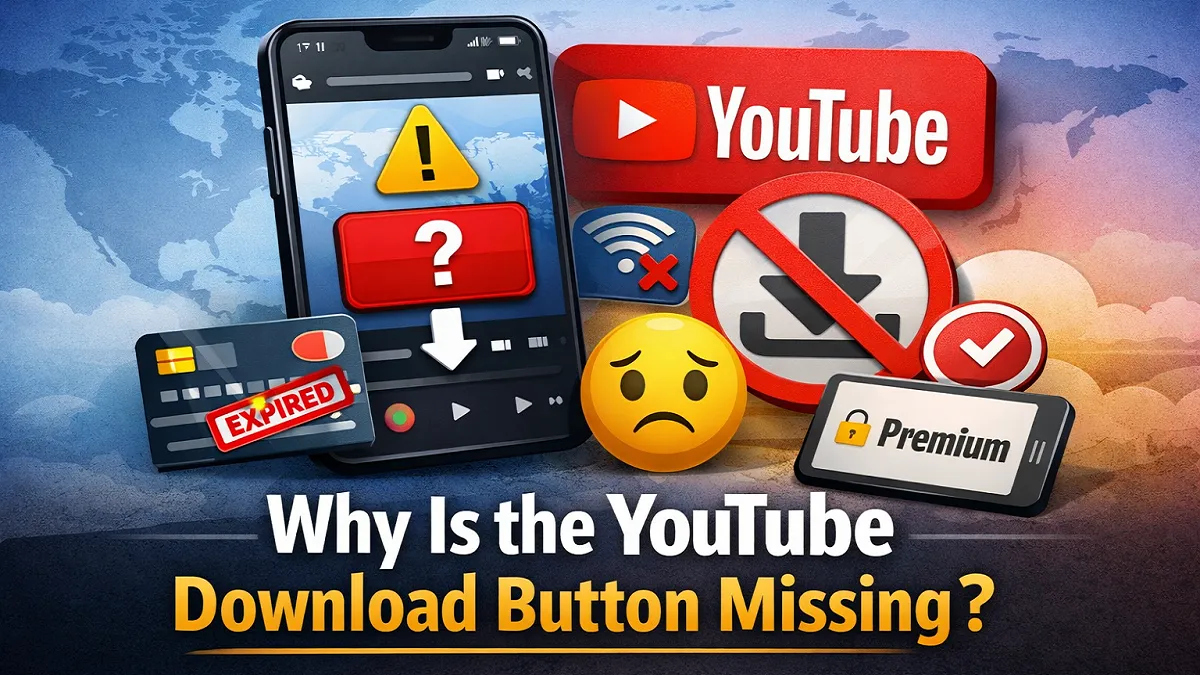
Many users try to save videos for offline viewing and then notice that the YouTube download button is missing. This usually is not random. In most cases, the button disappears because of account status, country availability, device limits, app issues, or video-specific restrictions. YouTube’s official Help pages say downloads are tied to supported devices, supported regions, and, in many cases, a YouTube Premium membership.
The good news is that this problem is often fixable. Before trying random methods, it helps to understand that YouTube’s download feature is part of its official offline viewing system. On supported devices, Premium members can download videos in the YouTube app, view them later from the Downloads section, and remove them individually or all at once from settings.
What the YouTube Download Button Actually Means?
The download button on YouTube usually means official offline viewing, not unlimited downloading in every situation. YouTube says Premium members can download videos and playlists to supported devices, and videos are stored inside the YouTube app rather than in your gallery as normal video files. YouTube also says it is not possible to download audio or MP3 files from the YouTube app.
That means if you are expecting the button to appear on every video, every device, and every account, you may be disappointed. The feature depends on YouTube’s current rules, your location, your device, and the specific video.
Common Reasons the YouTube Download Button Is Missing
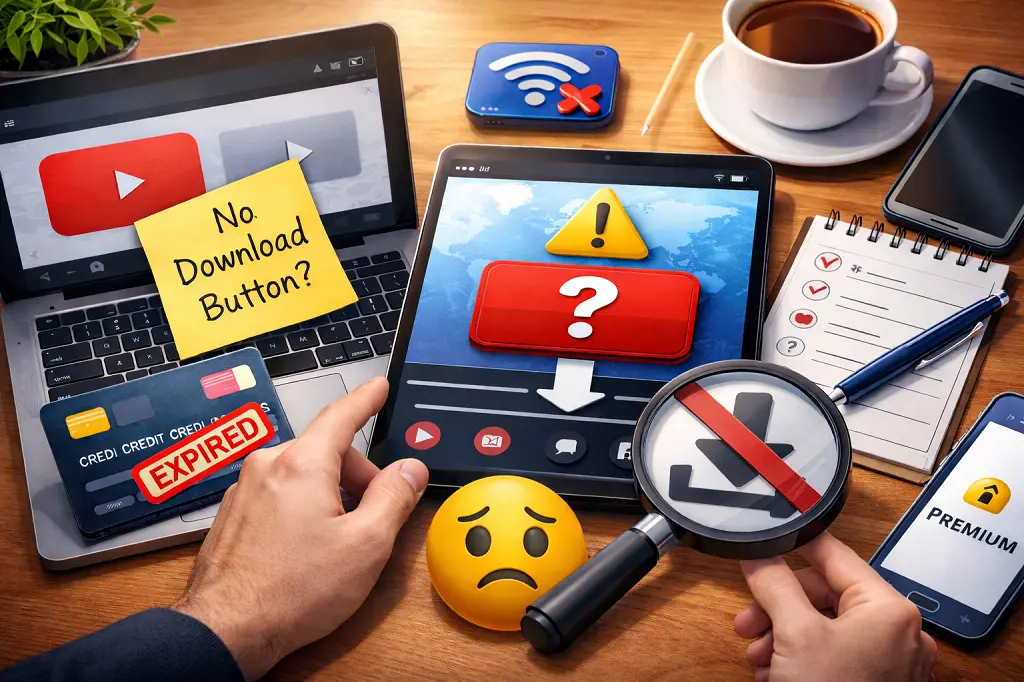
1. You Do Not Have YouTube Premium
One of the most common reasons is that your account does not have an active Premium membership. YouTube’s Help pages say offline downloading is a Premium benefit in places where YouTube Premium is available. If the membership ends, you lose access to downloaded videos.
This can also happen when:
- your Premium plan expired
- your payment failed
- you are signed in with the wrong Google account
- your membership benefits are not active on the account you are using
2. Downloads Are Not Available in Your Country or Region
YouTube says offline viewing on mobile is available only in select countries and regions, and YouTube Premium itself is also location-dependent. So even if the feature works for some users, the button may not appear everywhere.
This is especially important for users who travel or use accounts across different countries. A feature that worked in one region may not behave the same way in another.
3. The Video Is Not Eligible for Download
Sometimes the video itself causes the problem, not your account. YouTube’s Help content makes clear that its offline viewing rules control download availability, and those rules do not allow every video to be downloaded in every context. If a downloaded video later becomes unavailable, YouTube can remove your access when it checks the video’s status again.
That is why you may see the button on one video but not on another.
4. You Are Using the Wrong Device or App Experience
The YouTube download feature is mainly designed for the YouTube app on supported devices. YouTube’s Help articles focus heavily on Android and mobile offline viewing, and they center the steps for downloading, viewing, and deleting downloads around the app experience.
So if you are checking on an unsupported browser setup, an older app version, or a device with limitations, the button may not appear as expected.
5. Your App Has a Temporary Problem
YouTube has an official troubleshooting page specifically for cases where videos will not download. It recommends checking the issue on your browser or mobile device and notes that trouble downloading can happen for technical reasons.
In practical terms, the button may disappear or fail to work if:
- the app is outdated
- cached data is causing glitches
- the app needs to be restarted
- the device needs a restart
6. Your Internet or Storage Is Causing Problems
YouTube’s support materials around downloads and Smart Downloads note that downloads can stop if you disconnect from Wi-Fi or if device storage is low. That makes internet stability and storage space two major things to check when the feature is missing or not functioning correctly.
If your phone is almost full or the network is unstable, YouTube may not complete the download process properly.
How to Fix a Missing YouTube Download Button?
1. Check Whether Premium Is Active
Start with the basics. Confirm that your YouTube Premium membership is active on the account you currently use. YouTube requires Premium for video downloads in supported locations, and it ends your access to downloads when the membership ends.
2. Make Sure You Are Signed In to the Correct Account
Many people use multiple Gmail accounts on one phone. If your Premium plan is on one account but you are browsing YouTube on another, the download option may not appear.
3. Update the YouTube App
This sentence is already in active voice.
A slightly smoother version is:
If the app is outdated, update it in the Play Store or App Store. Since YouTube has a dedicated troubleshooting page for download problems, keeping the app current is one of the first sensible fixes.
4. Restart the App and Device
Close YouTube completely, reopen it, and test again. If the issue remains, restart your phone or tablet. Temporary app glitches often clear after a restart.
5. Check Your Country Availability
If the download option never appears, check whether offline viewing and YouTube Premium are supported in your country. YouTube clearly says offline availability is location-dependent.
6. Test Another Video
Try a different video. If one video shows the YouTube download button and another does not, the issue is likely related to that specific video’s availability rather than your device or account.
7. Free Up Device Storage
YouTube says downloads can stop if storage is low. Delete unnecessary files or old downloads and test again.
8. Look in the Downloads Area
Sometimes people think the YouTube download button is missing when they are actually unsure where to manage downloads. YouTube says you can find downloaded videos by signing in, tapping your profile picture, and selecting Downloads.
Why the Button Appears on Some Videos but Not Others?
This is a very common complaint. The short answer is that download availability is not universal. YouTube’s offline system depends on location, membership, supported device setup, and the video’s current availability.
So if the YouTube download button is available on one video but missing on another, it does not always mean something is broken. Sometimes the video simply is not currently available for offline viewing under YouTube’s rules.
Where to Find and Manage Downloaded Videos?
If the download feature is working but you want to manage your saved videos, YouTube says you can find them by opening the app, tapping your profile picture, and selecting Downloads. You can remove one downloaded video by tapping the downloaded icon or the More menu, and you can delete all downloads from Settings > Background & downloads.
This helps because some readers assume the feature is broken when downloads seem to be missing, but the real issue is that they do not know where YouTube stores them.
Frequently Asked Questions
Why is the YouTube download button missing even though I have Premium?
Active voice version:
This can happen if you signed in with the wrong account, your region does not support the feature, the video is not eligible, the app has a technical issue, or your device has low storage. YouTube’s Help pages highlight Premium eligibility, supported regions, and troubleshooting steps as key factors.
Can I download every YouTube video with Premium?
No. YouTube’s Help pages do not say that every video is available for offline use in every situation. Availability depends on YouTube’s rules, your region, your device, and the video itself.
Why are downloaded YouTube videos not in my gallery?
Active voice version:
Because YouTube stores downloaded videos in encrypted form on the device and allows you to watch them only inside the YouTube app.
What happens if my Premium membership ends?
YouTube says that if your YouTube Premium membership ends, you will no longer have access to your downloaded videos.
Final Thoughts
Active voice version:
If the YouTube download button is missing, one of a few common issues usually causes the problem: no active Premium membership, an unsupported country, app trouble, low storage, or a video that is not currently eligible for offline viewing. YouTube’s official Help pages identify all of these as realistic causes.
Also read:
Leave a Reply